
Know where everything went.
Stock tracked from the supplier to the plate or the glass, across your store, bar and kitchen.
Stock in every unit
Every kind of item, counted the way you actually use it.
- Store, bar and kitchenSeparate stock for each place, with the central store feeding the rest.
- Portions, bottles and packsKitchen food in portions, drinks in bottles, cans and cases, goods in pieces and packs.
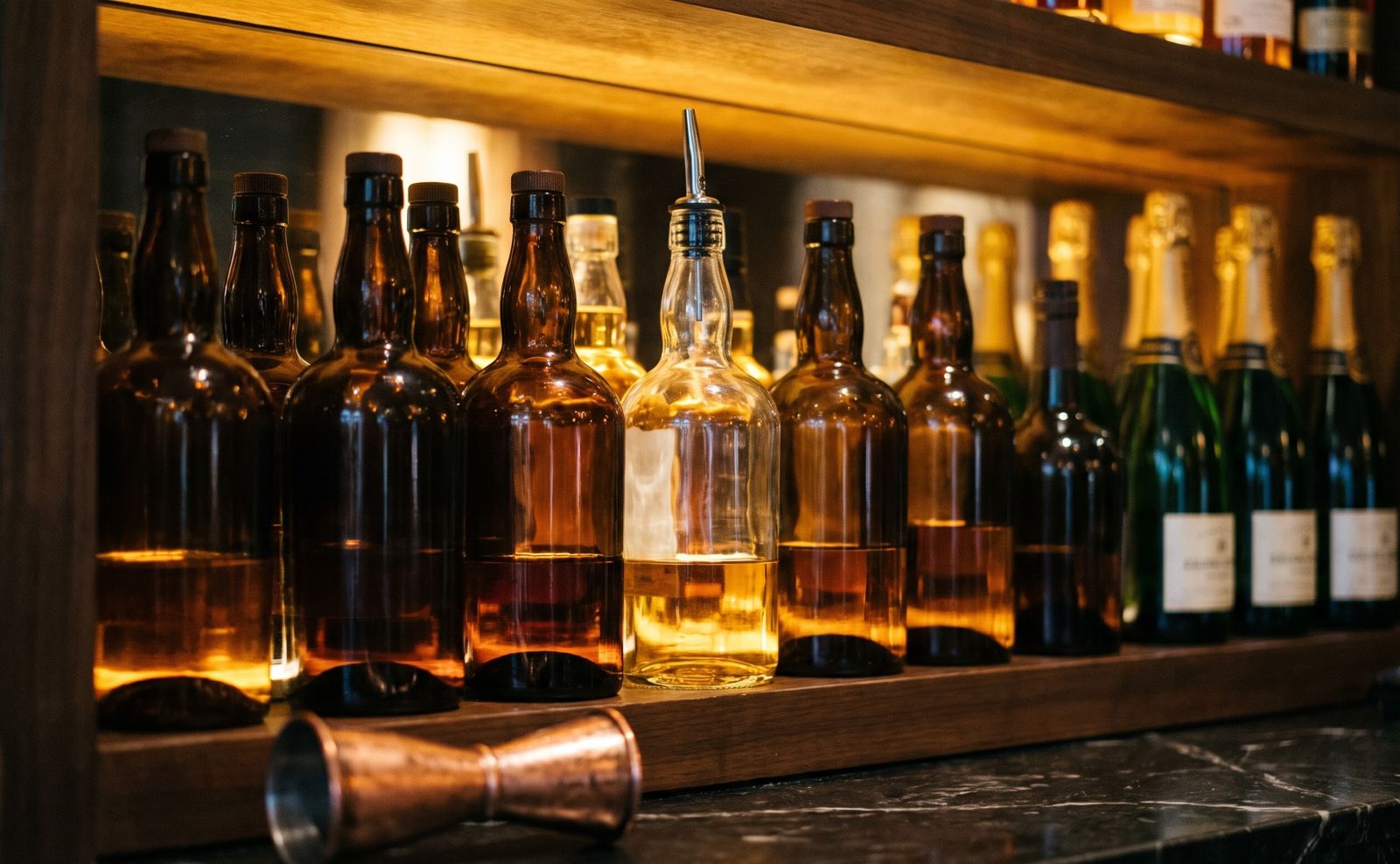
- Shots from open bottlesTracked in millilitres.
- Sold means deductedEvery sale takes stock off automatically.
Menu costing
Know what every dish and drink really makes you.
- RecipesLink each menu item to what goes into it.
- Cost and GP%Cost per item and gross profit, kept up to date.
- Missing costs flaggedItems sold with no cost set are listed, so profit isn't overstated.
- Kitchen market purchasesEveryday ingredients bought at the market counted in the cost of sales.
Purchasing
Spending approved before it happens.
- Purchase requestsStaff raise requests; owners and managers approve them.
- Stock-cost checkPaying more than the usual cost needs a reason, and approvers are alerted.
- SuppliersSupplier details, statements and what you owe.
- Goods receivedDeliveries checked in against the order and the price.
Moves and checks
Every move confirmed at both ends.
- TransfersStore to bar and store to kitchen, acknowledged on arrival.
- Adjustments with reasonsBreakage, spoilage and write-offs recorded with who and why.
- Stock counts and varianceExpected against counted, with the difference shown.
- Oversold alertsTold when something sells that the stock says isn't there.
Stock questions
Can stock come off in different units from how I buy it?
Yes. Buy by the case and sell by the bottle, or buy a bottle and sell by the shot. PosStop converts between them.
Who can see cost prices?
You decide. Cost prices and recipes are limited to the roles you allow.