
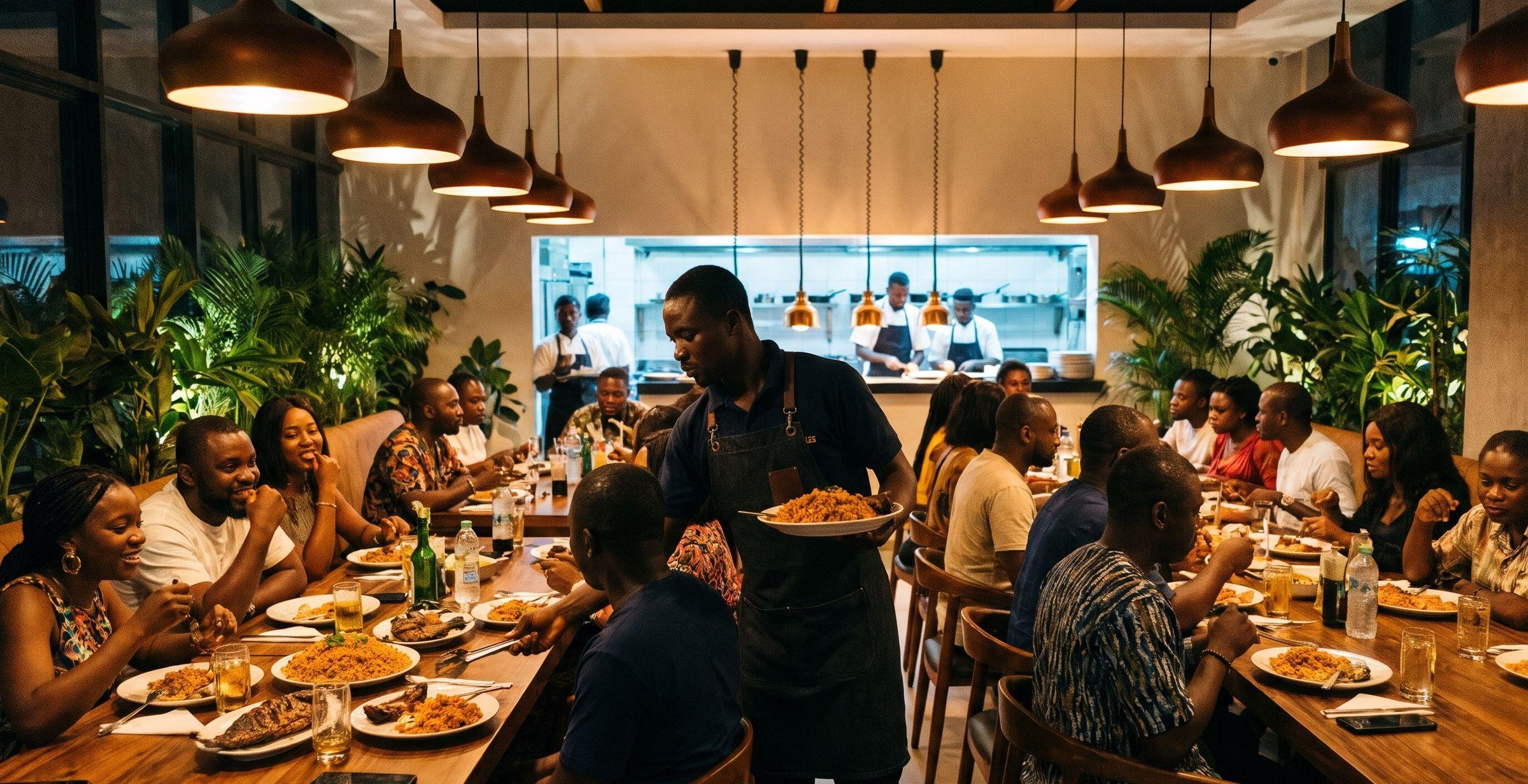
Run every service, even when you're not there.
PosStop is the till, kitchen screen, stock book, reports and accounts for restaurants, bars, lounges and supermarkets. Staff take orders on their phones. You see every sale, void and naira from yours.
Tonight, on your phone
Table 9 seated, party of 6Booked for 19:30, arrived 19:34
Void on Table 4: jollof riceReason: sent wrong dish. Approved by Ada
Card payment ₦184,500, Table 3Merchant copy seen on Moniepoint
Day closed, Z-0143End-of-day report emailed to you
Set up for the way your business works.
Choose your type of venue when you start. PosStop turns on the right features, and you can change any of them later.

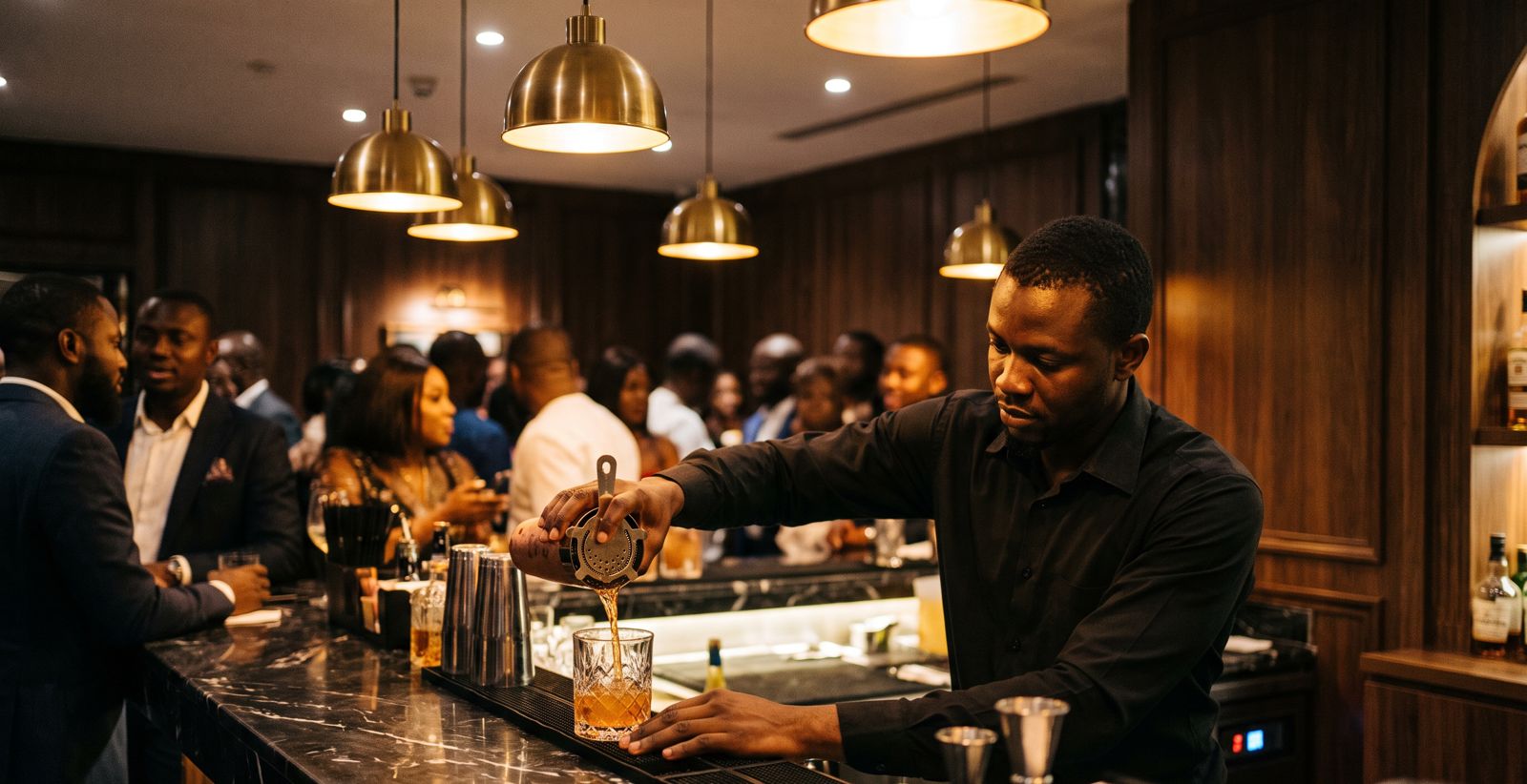
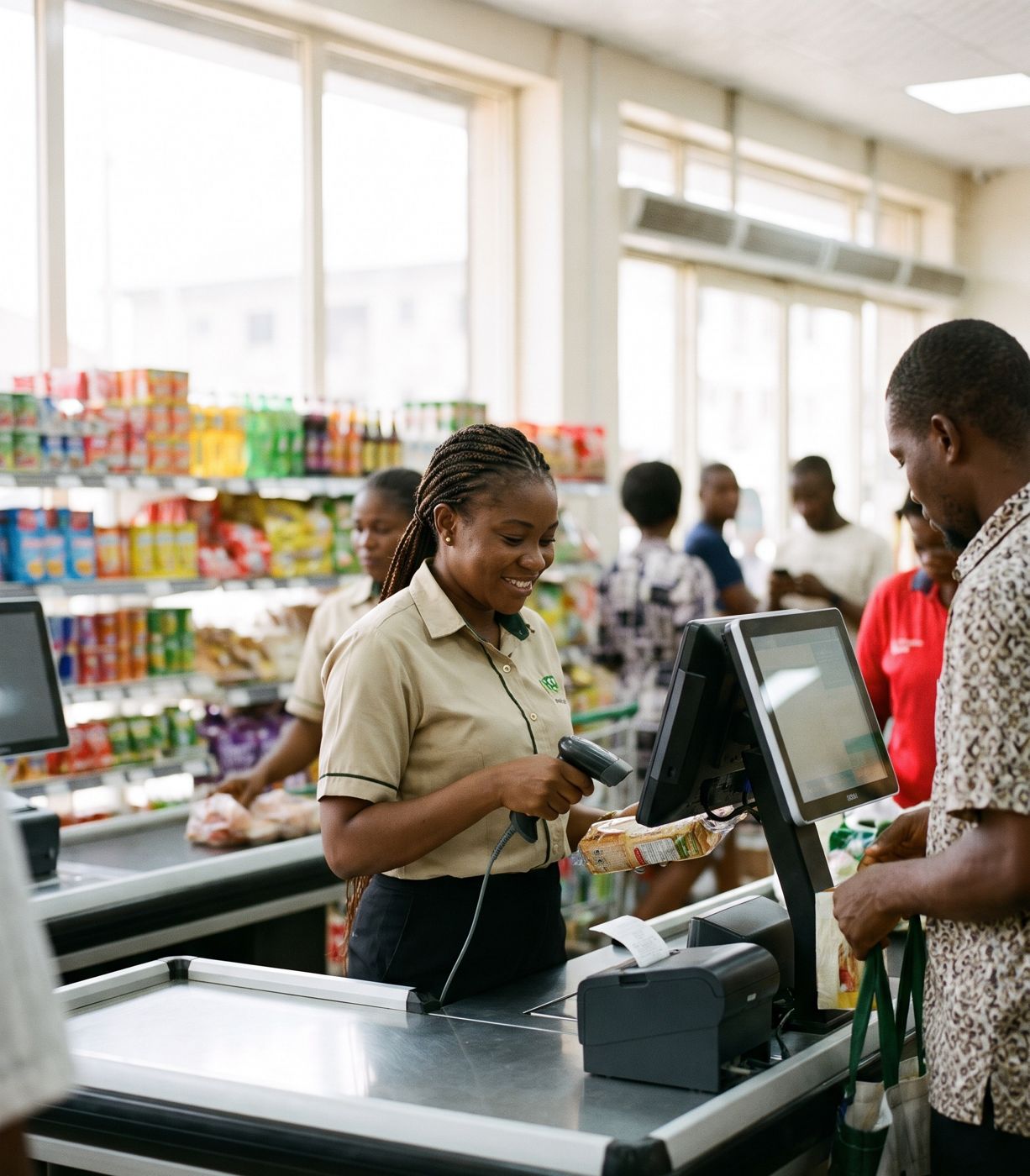
What do you want to fix first?
Stop money going missing
Voids need a supervisor and a reason, card payments are checked against the merchant copy, and every day's cash is tracked until it's in the bank.
Point of saleKnow where your stock goes
Bottles tracked to the shot, store-to-bar transfers confirmed on both sides, and alerts when something sells that the books say isn't there.
Stock & purchasingSee the business without being there
Live sales in the portal, an end-of-day report in your inbox, and alerts on your phone when something needs you.
Reports & alertsKeep the kitchen moving
Orders reach the kitchen screen the moment they're taken, tickets change colour as they wait, and waiters are told when food is ready.
Kitchen screenHave books your accountant trusts
Each day's sales, costs and cash posted to proper double-entry books, with VAT, profit and loss and bank reconciliation.
Accounts & taxOne system, at every station.
Waiters, cashier and kitchen all work from the same orders, live. Nothing is shouted across the room or written on paper.
Waiter's phone
Take orders at the table, see when food is ready and request the bill.
Till and receipt printer
Tabs, payments, splits and receipts at the counter.
Kitchen screen
Tickets in the order they arrived, turning amber then red as they wait.
Internet down? Keep selling.
PosStop runs on a PC at your venue, not in a browser tab. Orders, the kitchen screen and printing keep working without internet, and everything syncs to the cloud when the connection returns.
Everything in one system.
No separate apps for the till, the kitchen, stock and the books. One login, one set of numbers.
Questions
Does PosStop work without internet?
Yes. Your tills, phones, kitchen screen and printers talk to a PC at your venue, so you keep selling when the internet drops. Sales sync to the owner's portal when the connection comes back.
What hardware do I need?
Android phones for staff, a PC in the office, receipt printers that use the standard ESC/POS format (most thermal receipt printers do), and a tablet or screen for the kitchen. We'll check what you already have before you buy anything.
Do you process card payments?
No. Keep using your existing card terminal and bank transfer accounts. PosStop records how each bill was paid, which terminal or account it went into, and asks staff to confirm they've seen the merchant copy or transfer alert.
Can I run more than one venue?
Yes. Each venue has its own tills, stock and reports, and you can see all of them from one login.
Is my data kept separate from other businesses?
Yes. Each venue's data is kept apart from every other venue's at the database level, connections are encrypted, and the owner's portal supports two-factor sign-in.