
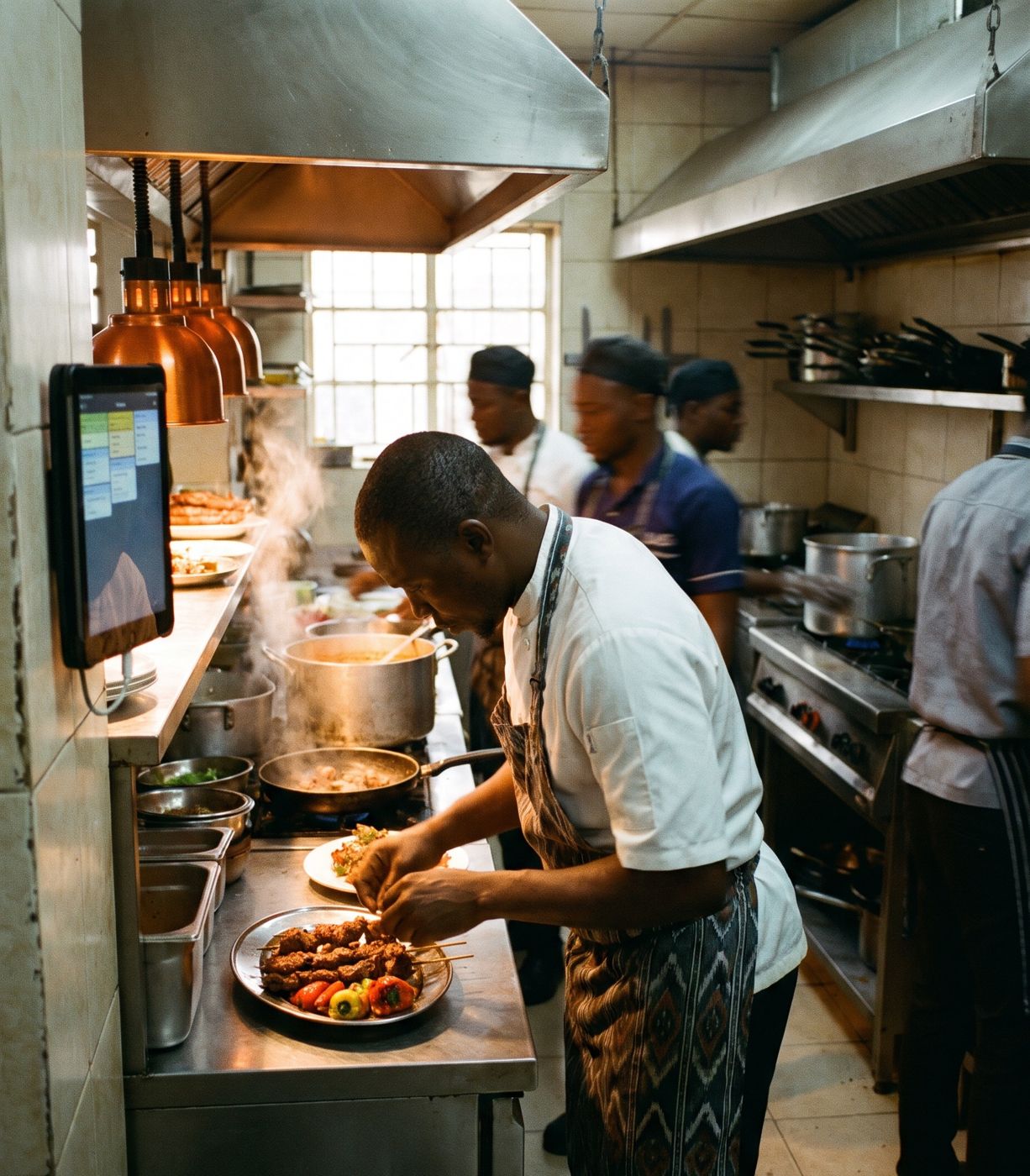
A calmer pass.
Tickets arrive the moment they are ordered, in the order they arrived, on a screen the whole kitchen can read.
Tickets
Clear at a glance, even mid-rush.
- Live ticketsOrders appear the moment a waiter sends them.
- Colour timersGreen when new, amber as they wait, red when they're late.
- Notes and allergensShown on every ticket, so nothing is missed.
- Bump when doneMark items or whole tickets done with a tap.
Stations
Each part of the kitchen sees only its own orders.
- Station routingGrill, cold kitchen and bar each get their own screen or printer.
- CoursesIn restaurants, mains wait until the waiter fires the next course.
- Printed dockets tooPrefer paper? Send tickets to a kitchen printer instead, or as well.
- Sound alertsA sound for each new ticket.
Talking to the floor
No more shouting across the room.
- Out of stock in one tapMark a dish unavailable and it disappears from every phone.
- Food-ready alertsThe waiter's phone is told when their food is ready.
- Kitchen-only stockMeat, chips and other kitchen stock tracked separately from the bar.
- Runs on an Android tabletSet up once with an activation code, then it runs as a kiosk.
Kitchen questions
What screen do I need in the kitchen?
An Android tablet or a screen connected to a small PC. It's set up once and then runs as a dedicated kitchen display.
Can I use kitchen printers instead of a screen?
Yes. Tickets can go to a printer, a screen, or both.
Does PosStop work without internet?
Yes. Your tills, phones, kitchen screen and printers talk to a PC at your venue, so you keep selling when the internet drops. Sales sync to the owner's portal when the connection comes back.